Use packages purchased from other channels

*If you are not a member yet please register and follow the steps below.
Procedure for using packages purchased from other channels Login to your account
1 | Log in Log-in with the Username and Password that you have registered. | 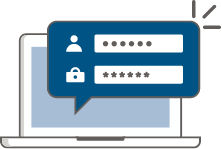 |
2 | Fill in the one time password number Enter Reference Code received by SMS. |  |
3 | Package details and QR Code Receive QR Code and package details |  |
4 | Make an appointment to use the package service. Receive an E-voucher and choose the date you want to receive the service and make an appointment in the system by following the steps below.  | 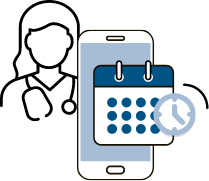 |
5 | Bring the package to use at the hospital. Present the E-voucher you received to the staff upon arrival at the hospital |  |